MTB Logo
MTB Google Wallet

Tap. Pay. Go.

Experience a faster, safer, and more convenient way to pay with your MTB Visa cards on your Android phone or smartwatch.

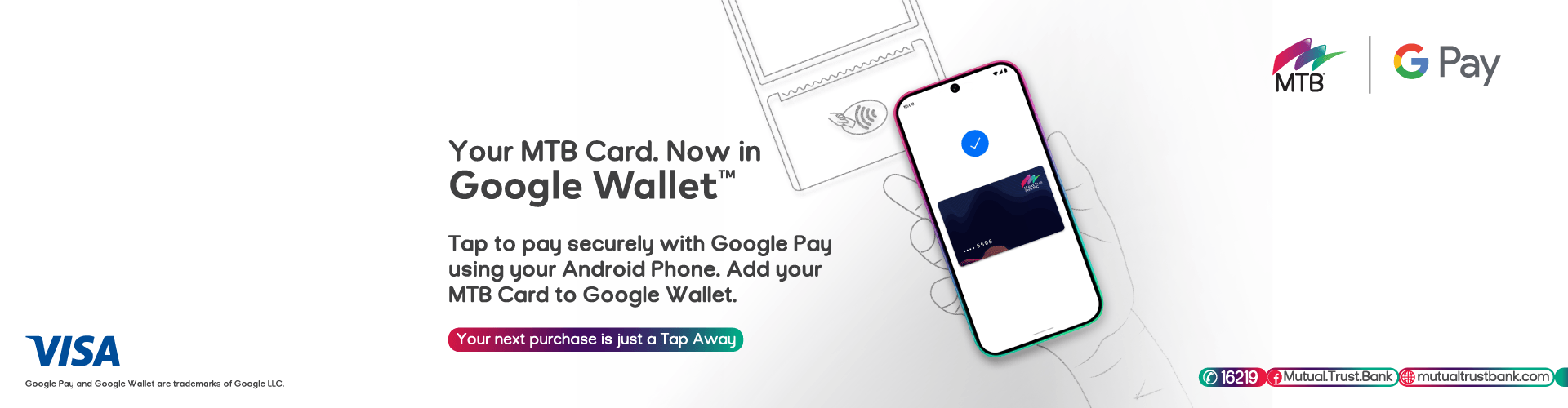
Mutual Trust Bank PLC, in collaboration with Google and Visa, brings you Google Wallet—a secure digital wallet that lets you make contactless payments using your compatible Android phone or Wear OS smartwatch. Simply add your MTB Visa Card to Google Wallet and pay wherever contactless payments are accepted.

Whether you're shopping in stores, dining at restaurants, or travelling, Google Wallet offers a seamless payment experience without the need to carry your physical card.

What is Google Wallet?

Google Wallet is Google's secure digital wallet that stores your eligible payment cards on your Android device. Once your MTB Visa card is added,you can make contactless payments by simply unlocking your phone and tapping it on a contactless-enabled payment terminal.

Google Wallet also securely stores your payment credentials using industry-leading security technology, helping protect your card information during every transaction.

Why Choose Google Wallet?

Fast & Convenient
Pay in seconds by tapping your phone or compatible smartwatch at contactless payment terminals.

Safe & Secure
Your actual card number is not shared with merchants. Instead, Google Wallet uses a virtual card number (token) to protect your payment information.

No Additional Charges
Adding your MTB cards to Google Wallet is free. Your regular card terms and conditions continue to apply.

Accepted Worldwide
Use Google Wallet wherever contactless Visa payments are accepted, both in Bangladesh (where available) and internationally.

Simple to Manage
View your eligible cards in one place and easily select your preferred payment card.

How to Add Your MTB Card
  • Download or open Google Wallet on your Android device.
  • Select “Add to Wallet”.
  • Select “Payment Card”.
  • Tap/Scan your MTB Visa card or enter the card details manually.
  • Complete the verification process.
  • Accept the Terms & Conditions.
  • Your card is ready to use.
How to Pay

Google Pay is used for contactless payments, online purchases, in-app purchases and other supported services with Compatible device.

  • Unlock your Android phone.
  • Hold the back of your phone near the contactless payment terminal.
  • Wait for the confirmation.
  • Your payment is complete.

For compatible Wear OS smartwatches:

  • Open Google Wallet.
  • Select your card.
  • Hold your watch near the payment terminal.
Security

Google Wallet is designed with multiple layers of security.

  • Your actual card number is never shared with merchants.
  • Every payment uses tokenization for enhanced protection.
  • Your phone's screen lock helps prevent unauthorized use.
  • If your device is lost, you can use Google's Find My Device service to locate, lock, or erase it remotely.
  • MTB continues to monitor transactions for suspicious activity.
Eligibility

Google Wallet is available for all MTB Visa Card (Debit, Credit and Prepaid)
To use Google Wallet, you need:

  • All MTB Visa Card
  • A compatible Android device with NFC enabled
  • Google Wallet installed
  • A Google Account

Terms & Conditions of MTB Google Pay: Click Here